WeChat OpenILink Configuration Guide
This guide explains how to configure the WeChat OpenILink adapter and connect Nekro Agent to WeChat. The adapter is based on wechatbot-sdk and uses QR code login for authentication.
Experimental Feature & Risk Notice
- WeChat OpenILink is currently in the MVP (Minimum Viable Product) stage. Its capabilities are primarily limited to receiving text and sending text/images/files. Group chat is not supported.
Prerequisites
- You have deployed Nekro Agent and can access the WebUI
- A WeChat account you want to chat with the bot
Step 1: Enable the Adapter in Nekro Agent
- Open the Nekro Agent WebUI
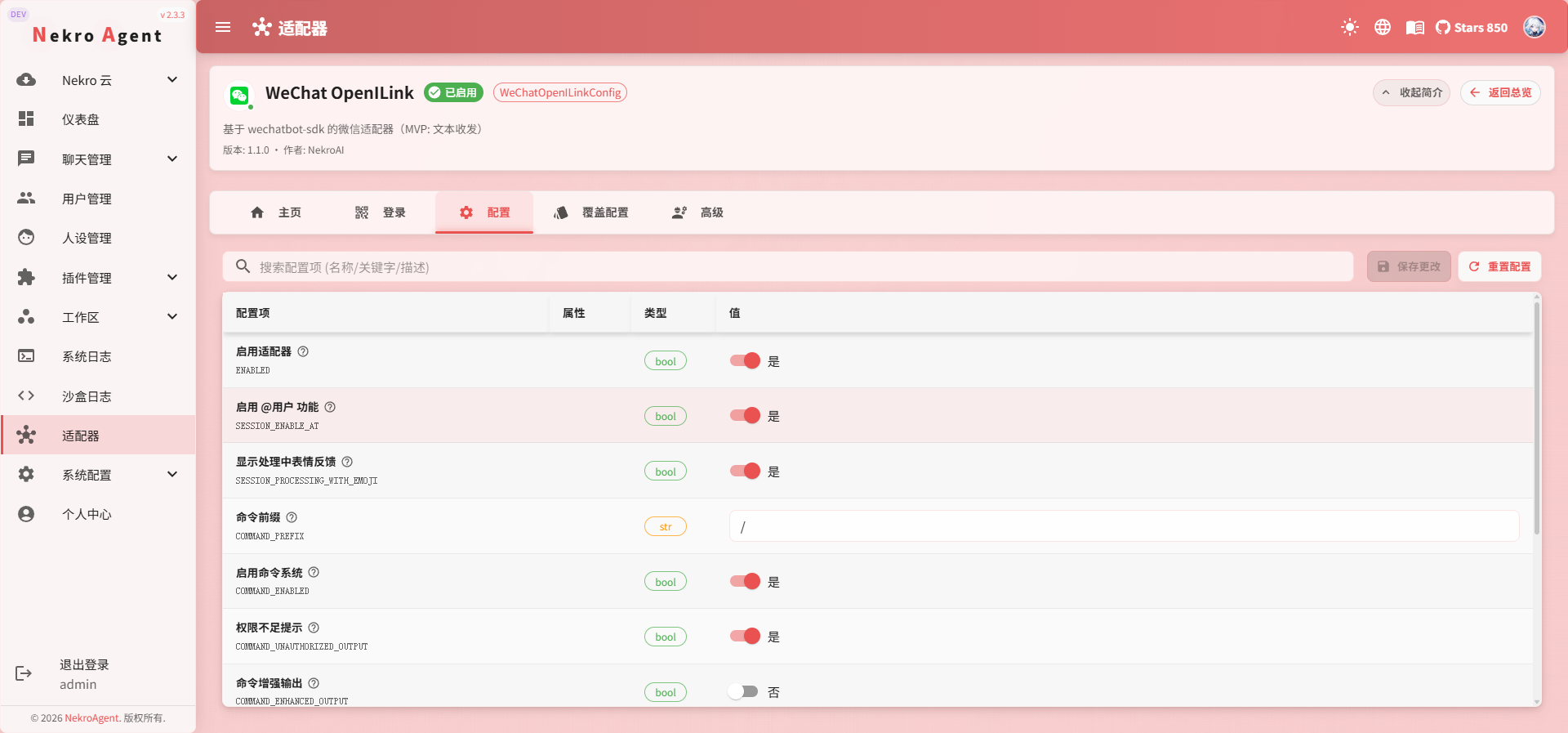
- Navigate to "Adapters" -> "WeChat OpenILink"
- Turn on the
Enable Adaptertoggle - Save the configuration
Step 2: Restart Nekro Agent and Complete QR Code Login
- Restart the Nekro Agent container to allow the adapter to begin initialization
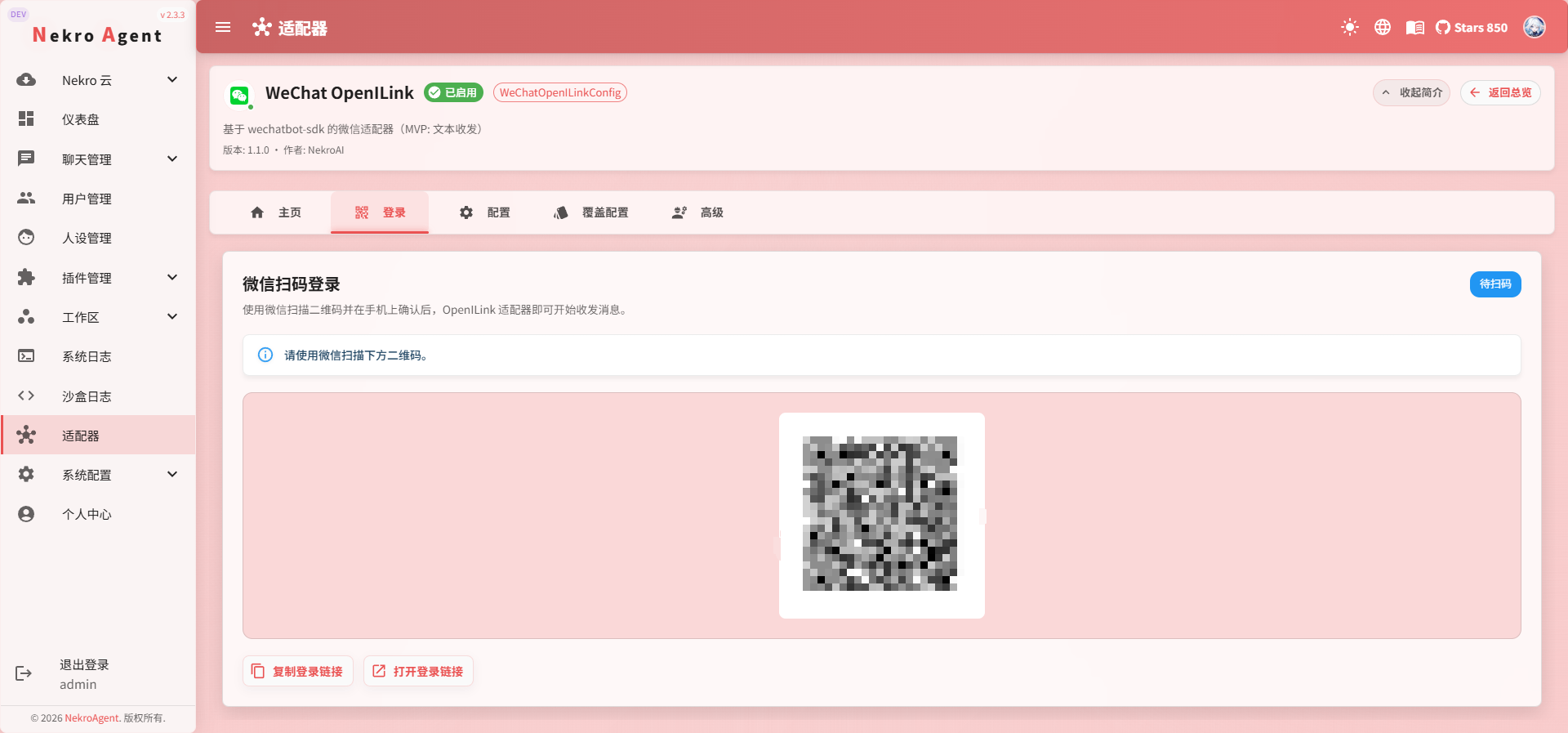
- Navigate to "Adapters" -> "WeChat OpenILink" -> "Login"
- Scan the QR code with the WeChat account you want to chat with the bot
Login Timeout
The default login timeout is 180 seconds. If you do not complete the QR code scan within this time, the adapter initialization will fail with an error. To restart the process: simply restart Nekro Agent again.
Step 3: Confirm the Connection Was Successful
- Send a message to the window that WeChat automatically opened.
- If you see Nekro Agent reply normally, the connection is successful.
Group Chat Is Not Yet Available
This adapter currently only triggers in private chats. It cannot be added to group chats.
Frequently Asked Questions
QR code generation fails after startup
- Confirm the adapter has been enabled and the configuration has been saved
- Confirm Nekro Agent has been fully restarted (saving configuration alone will not trigger adapter re-initialization)
- Check the logs for network errors and confirm the server can access
BASE_URL
QR code scan completes but no messages are received
Troubleshoot in this order:
- Check the Nekro Agent main service logs for
wechat_openilink-related errors - Confirm the model group is correctly configured (refer to Model Management); otherwise, even if messages are received, there will be no AI reply
Next Steps
- Haven't configured a model yet? Go to Model Management to set up at least one chat model group
- Want to give the bot a personality? Refer to Persona Tips
- Have multiple WeChat accounts or multi-platform accounts? Refer to Channel Management